
Overview
OpenTask is a self-hosted, AI-powered task and habit manager. Single Docker container with SQLite — your data stays on your server. AI is entirely optional.
🌐 Web (PWA) · 📱 iOS (native, with widgets) · ⌚ Apple Watch · 💻 Mac · 🔌 REST API
(theme toggle also available in the top bar)
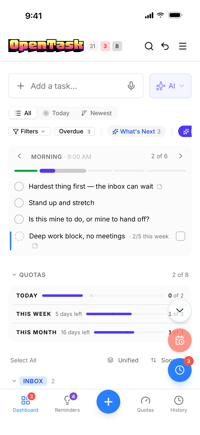
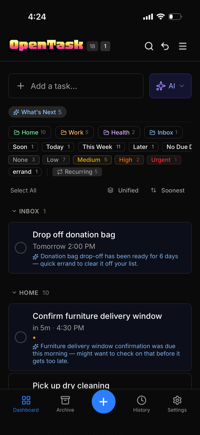
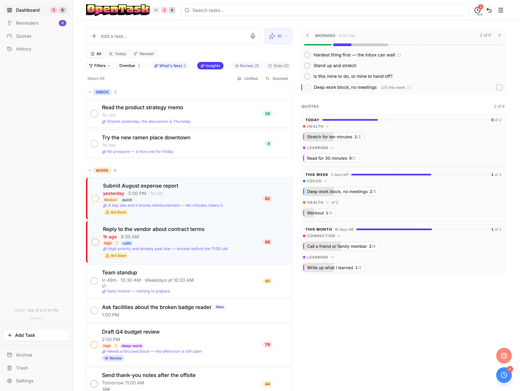
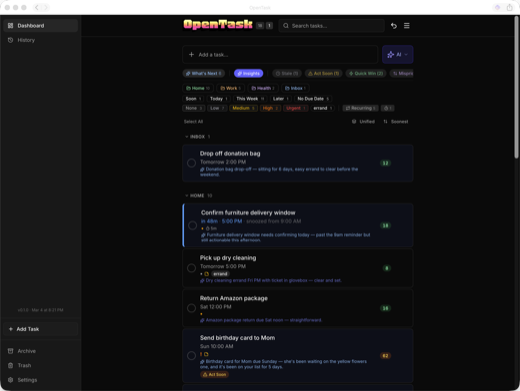
AI-native task management
Every task gets AI-generated commentary (see image below) and an attention score (the "79" below). AI sees your full task list and writes a one-liner — what it means, why it matters, what you might be forgetting.
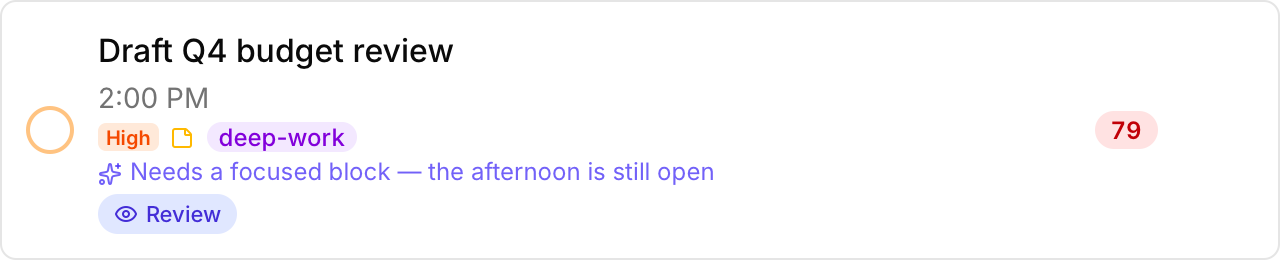
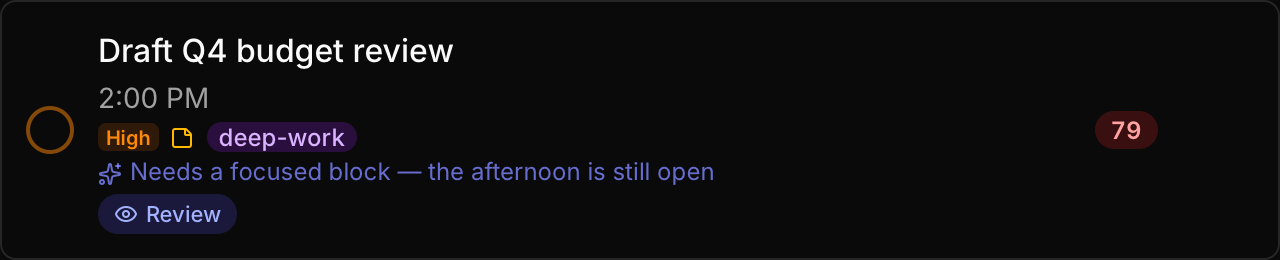
Each task gets an attention score so you can filter by Stale, Act Soon, Quick Win, or Misprioritized — surfacing tasks like "Renew car registration — snoozed three days running; the online form takes five minutes."
Natural language input. Type "Call the dentist next Tuesday at 2pm to reschedule, it's important" and AI parses it into a structured task — extracting the title, target, recurrence, priority, project, and notes, plus a deadline when you state one. No forms, no dropdowns, no manual field entry.


What's Next. AI recommendations that surface overlooked or forgotten tasks — the ones that have been sitting quietly while you focus on what's urgent.
AI is entirely optional — disabled by default. When it's off, every trace of AI disappears from the UI. When it's on, it uses different models for different features: fast models for parsing, capable models for analysis. Works with Claude, GPT-4.1-mini, Grok, DeepSeek, and local models via Ollama. See AI Features for setup.
Built around how you actually work
OpenTask treats snooze as a first-class action, not an afterthought. A task's target is when it starts nagging, a soft commitment you can snooze forward as often as you like. Its deadline, when it has one, is the real cutoff: no snooze moves it, and every snooze stops at it. A deadline without a target of your own gets an automatic one a few days before, so it starts reminding you ahead of the cutoff. A task whose target has arrived is "over target", drawn in a calm plum rather than an alarming red (red is kept for a passed deadline), with a small tab showing how many days it's been waiting.
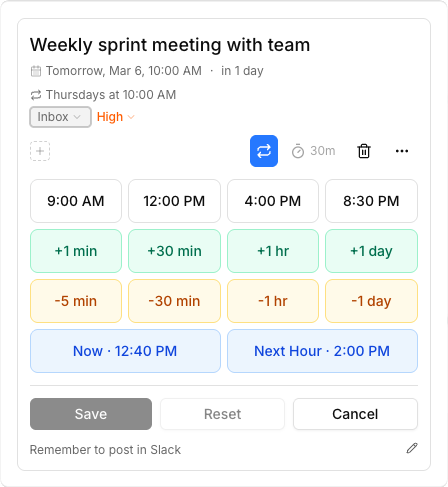
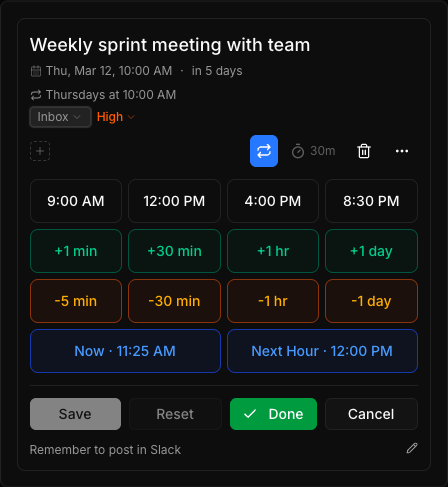
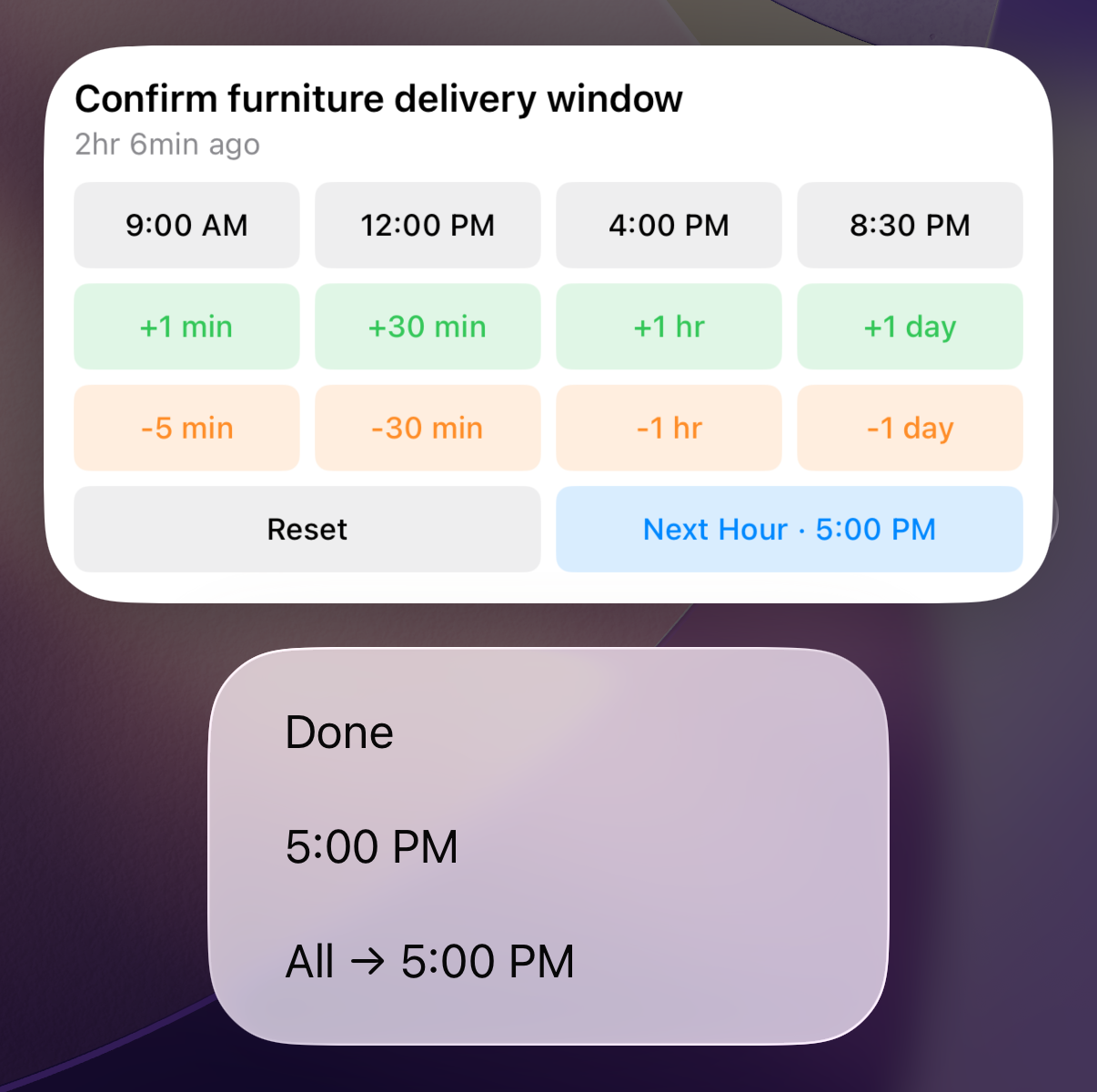
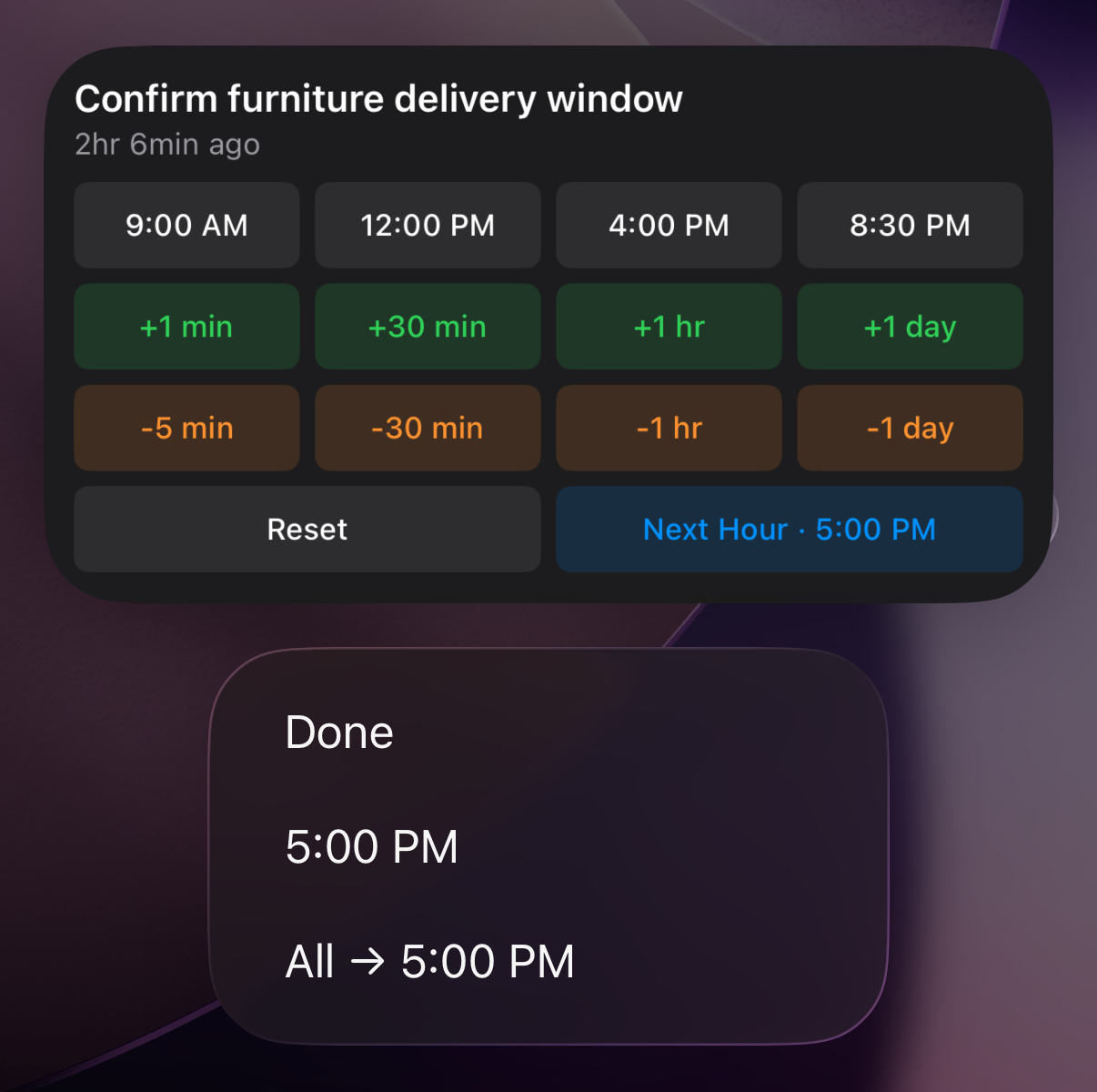
Every task has a quick panel with time presets, fine-grained adjustments, and a bulk snooze button that clears your over-target list in one tap. High-priority tasks stay put on the first press and move only when nothing lower is left. Urgent tasks are never bulk-snoozed and always need a deliberate decision. See Tasks & Priority and Snooze & Time for details.
Tasks that aren't due yet don't vanish. Each has a horizon (days, weeks, months, or eventually), and task segments bring them back round on the Reminders screen at that pace, for a one-tap "seen it", "do it today", or "done". Process works through your Inbox and backlog in one dialog: sort the Inbox into projects, catch duplicates, grow horizons, and clear old targets.
Reminders and quotas
Not everything on a to-do list is a task. OpenTask keeps two other kinds of items on their own screens:
- Reminders are nudges, like "take a walk" or "check the mail", grouped into reminder periods of the day (Early morning, Morning, Midday, Afternoon, Evening by default, editable in Settings → Reminder periods). A reminder is never over target and can't be snoozed. If you miss one, the next occurrence simply arrives. Reminders notify as a group when their period starts, not one by one.
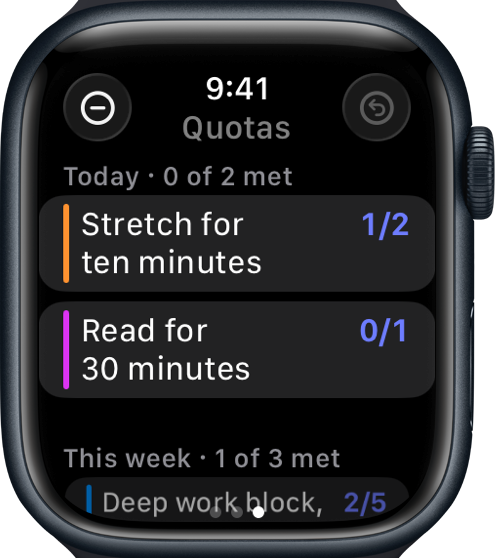
- Quotas count how often something happens in a period, like "exercise 3 times a week". Tap +1 each time. A quota has no target and is never over target. Unmet quotas also show up among your reminders each day, so they get the same attention.
The dashboard's Today view groups the day's tasks by the same reminder periods.
Native push notifications
A native iOS companion app delivers real push notifications with interactive snooze actions. Snooze or complete tasks directly from the notification without opening the app. It also adds home screen widgets for reminders, today's tasks, and quotas, and an Apple Watch app with its own Reminders, Tasks, and Quotas pages. A native Mac app with the same widgets and notifications is included too, plus a menu bar item with an over-target badge, quick add, and one-click snooze. See Widgets, Watch & Mac. Source code included — not on the App Store.
Full API
Every operation in the UI is available over HTTP. OpenTask ships with a REST API, an OpenAPI 3.1 spec, and Bearer token auth. Script it with curl, pipe it into Apple Shortcuts, or build integrations with signed webhooks that fire on task events.
More
- Full undo/redo. Every action is logged and reversible.
- Trash & archive. Deleted tasks go to trash, completed tasks go to archive. Nothing is permanently lost until you say so.
- Data export. JSON and CSV export of all your tasks, projects, and completions. Nothing is locked in.
- Reverse proxy auth. Works with Authelia, Authentik, and other auth proxies out of the box.
Ready to try it? Get started →
Tech stack
- Runtime: Next.js 16 (App Router) + React 19 + TypeScript
- Database: SQLite with WAL mode (better-sqlite3)
- Auth: NextAuth/Auth.js (credentials provider, JWT sessions)
- Styling: Tailwind CSS 4 + Shadcn UI